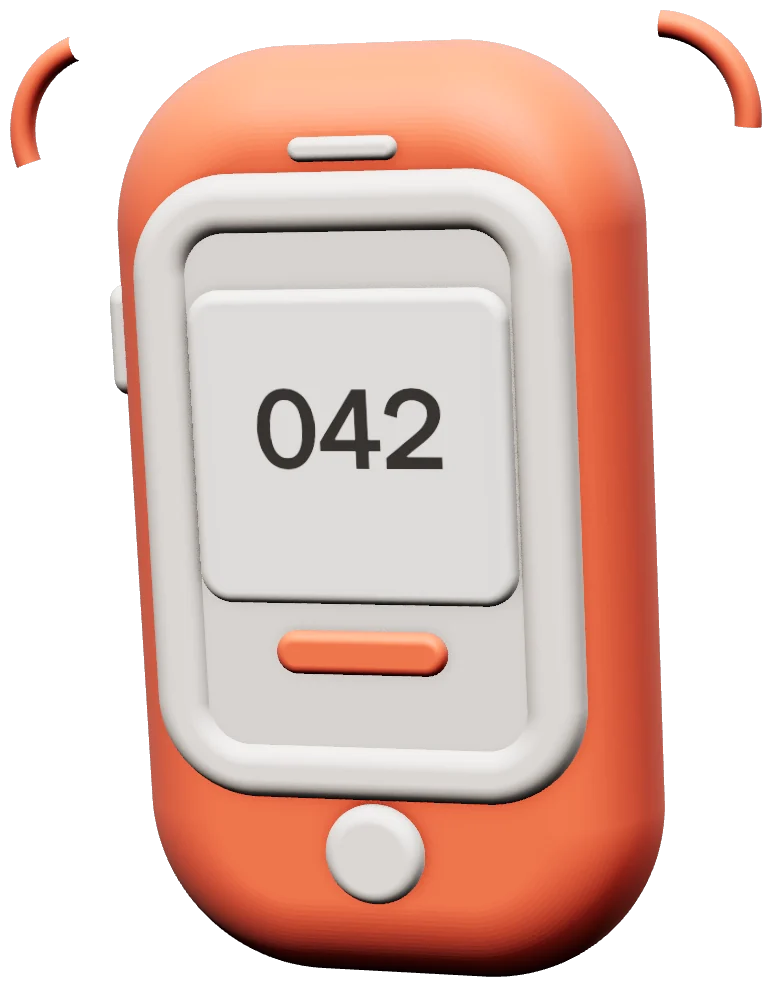
New Flowiax Call on iPhone, no download

Your order is ready. Your phone rings.

Call customers on their own phones when the order is ready. No pagers, no app, no names shouted across the room.

See the order's journey Built on Odoo 20 Flowiax 18

Throw out the pagers.

Before

Pager devices

  • Bought by the dozen, charged every night, and some get lost
  • They buzz and say nothing about the order
  • They only work inside the room
  • Collected and cleaned after every customer
After

Flowiax Call

  • The customer's own phone, no device to buy
  • They see their order number and status step by step
  • The call reaches them even if they wait outside
  • And after pickup, a rating and points

From the receipt to the customer's hand.

Five moments, all on the phone already in the customer's pocket.

  1. 1

    A code on the receipt, or on the counter.

    The card's code is printed on the receipt, or shown on the cashier's screen or the self-order kiosk. Or the customer scans the fixed counter code, or taps its tag, then types the order number.

  2. 2

    The order card on their phone.

    The order number and status, and how it is eaten: dine-in, takeaway or delivery, with the table number if there is one. Two orders on one phone appear together.

  3. 3

    Alerts in a single tap.

    When the card opens, alerts are offered first. On Android an alert stays on the lock screen and updates with the order; on iPhone, Flowiax Call opens the card without installing anything.

  4. 4

    The order is ready, so the phone rings.

    The call goes out automatically the moment the kitchen marks it “Ready”, or with a tap on the pickup screen, and you can call again whenever you like. The customer taps “Got it”, and the screen shows them on their way.

  5. 5

    Order delivered, now rate us.

    After pickup the customer rates the order: a happy customer is invited to review you on Google, and an unhappy customer's note reaches you alone. Plus “Add the order to my card” for the loyalty card.

One screen at the counter.

From preparing to delivered, every order in its column and every customer with their channel. Whoever has no alert shows on the screen, so you call out their order number.

The call reaches the customer wherever they are.

Each customer by whatever their phone has, and all of it from the same order card.

iPhone

Flowiax Call opens the order from the camera.

The customer scans the code, Flowiax Call opens the order card without installing the app, and the call reaches the lock screen in the card's own words and language.

No downloadLock screenIn the customer's language

Android

A steady lock-screen alert that updates silently with the order and rings when it is ready.

WhatsApp and Telegram

“Your order is ready” in a message, from the restaurant's WhatsApp number or its Telegram bot.
Page open

While the card is open the screen stays on, and the phone rings for five seconds when the order is ready.

Eight languages

Arabic, English, Portuguese, Turkish, French, German, Spanish and Russian.
Food courts

In a mall or food court, one phone follows its orders from every participating restaurant.

After the order

A rating that leads happy customers to Google, an offer that only arrives with consent, and points on their loyalty card.

By voice

The pickup screen shows each customer's channel, so you know who has no alert and call out their order number.

No amounts on the card

The order card shows no amount at all, in line with the rules of Syria's General Commission for Taxes and Fees.

An order called, a customer who returns.

The order card has “Add to my card”: one tap, and that very order's stamp reaches the customer's loyalty card.

Flowiax Call

  • The call goes out the moment the kitchen marks “Ready”
  • iPhone, Android, WhatsApp and Telegram
  • A pickup screen with order columns

With Flowiax Loyalty

  • A stamp or points from the same order
  • The card in Apple Wallet or in the browser
  • A reminder that brings the customer back

For every restaurant with a counter.

  • Fast food
  • Mall food courts
  • Cafés
  • Burger shops
  • Pizzerias
  • Shawarma
  • Juice bars
  • Bakeries
  • Self-order kiosks
  • Takeaway and delivery
The foundation: Odoo 20

Customer calling, powered by Odoo 20.

Flowiax Call is part of Flow Restaurant in Flowiax 18, built on Odoo 20: the order comes from the point of sale and its readiness from the kitchen screen in its core, and on top of them we built the order card on the customer's phone, its alerts and its call.

Flowiax 18 on Odoo 20, in detail
  • Point of sale and orders from the Odoo 20 coreOdoo 20
  • Order readiness from the kitchen screenOdoo 20
  • The order card, its alerts and its callFlowiax

Questions, answered.

Didn't find your question? Ask us; we answer in Arabic, English and Portuguese.

Ask us your question
Is Flowiax Call built on Odoo 20?
Yes. Flowiax Call is part of Flow Restaurant in Flowiax 18, built on Odoo 20, the latest release: it reads the order straight from the point of sale and the kitchen.
Does the customer need to install an app?
No. The code opens the order card in the browser, and on iPhone Flowiax Call opens it without installing the app.
What if the phone is locked?
On Android the call reaches the lock screen. On iPhone it arrives as a Flowiax Call notification, or as a web alert once the card is added to the home screen.
And if the customer doesn't scan the code?
The pickup screen shows each order's channel, so you know who has no alert and call out their order number.
Does anything change for table orders?
No. “Ready” from the kitchen reaches the captain as before. The call is for counter, takeaway and self-order orders.
Do I need the Flowiax point of sale?
Yes. The call is part of Flow Restaurant: it knows the order from the till and its readiness from the kitchen screen, with nothing typed twice.
Is the call manual or automatic?
Your choice: automatic the moment the kitchen marks “Ready”, or with a tap on the pickup screen. You can call again whenever you like.
In which language does the card appear?
In eight languages the customer chooses from: Arabic, English, Portuguese, Turkish, French, German, Spanish and Russian.

Say goodbye to pagers. Your customer's phone is enough.

Request a demo: we switch the call on for your restaurant's till and kitchen, and try it with you on your phone.

See the order's journey
Ready to say goodbye to pagers? Request a demo The order's journey